
Tab Groups

In your tab list, you will find that tabs in the same group will be grouped under a tab group header. By default, you could see the tab group title. The title also acts as a button to toggle hiding or showing the tabs in the tab group.
When hovering over the tab group header, you will see several action buttons — rename the group title, change the group color, ungroup, and close all group tabs.
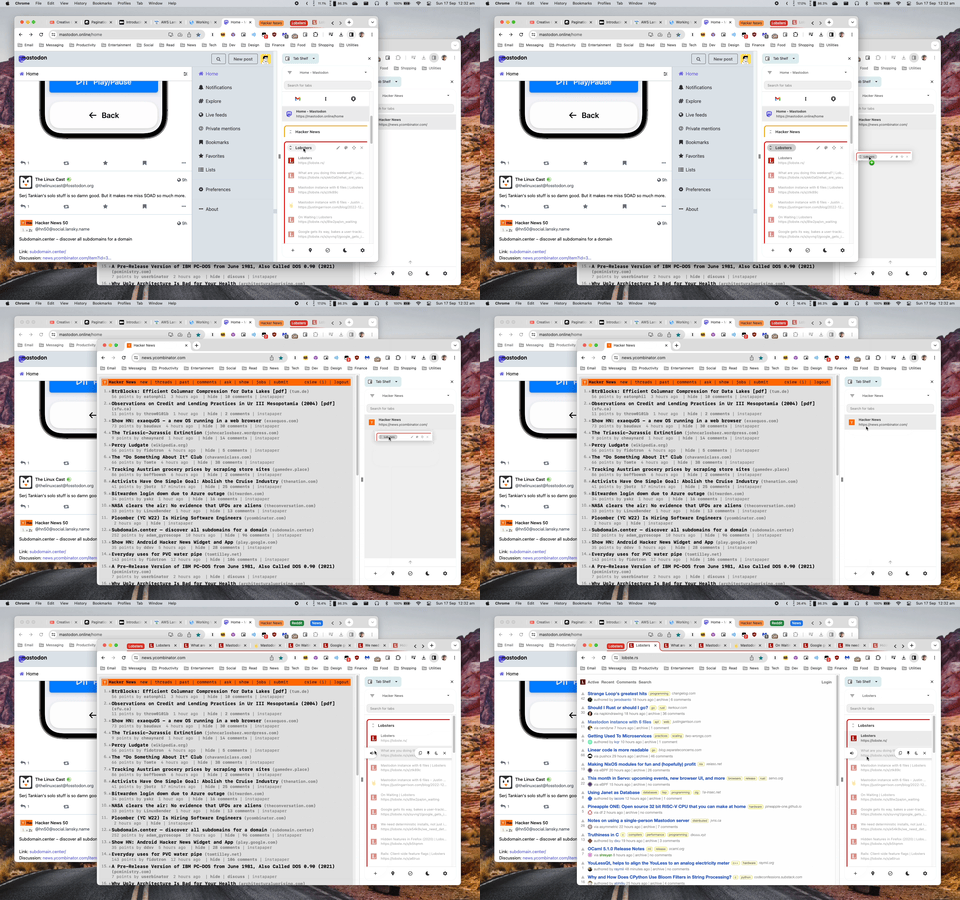
You can drag and drop the tab group header within your tab list or across your windows to move the tab group.
- Dragging and dropping a tab group header on top of another tab group header will move the tab group to the position of the tab group you just dropped at.
- Dragging and dropping a tab group header on a tab inside another tab group will merge the tab groups.
- These rules also apply when dragging and dropping the tab group header across windows.