
Opening Tab Shelf
Open via the Tab Shelf icon
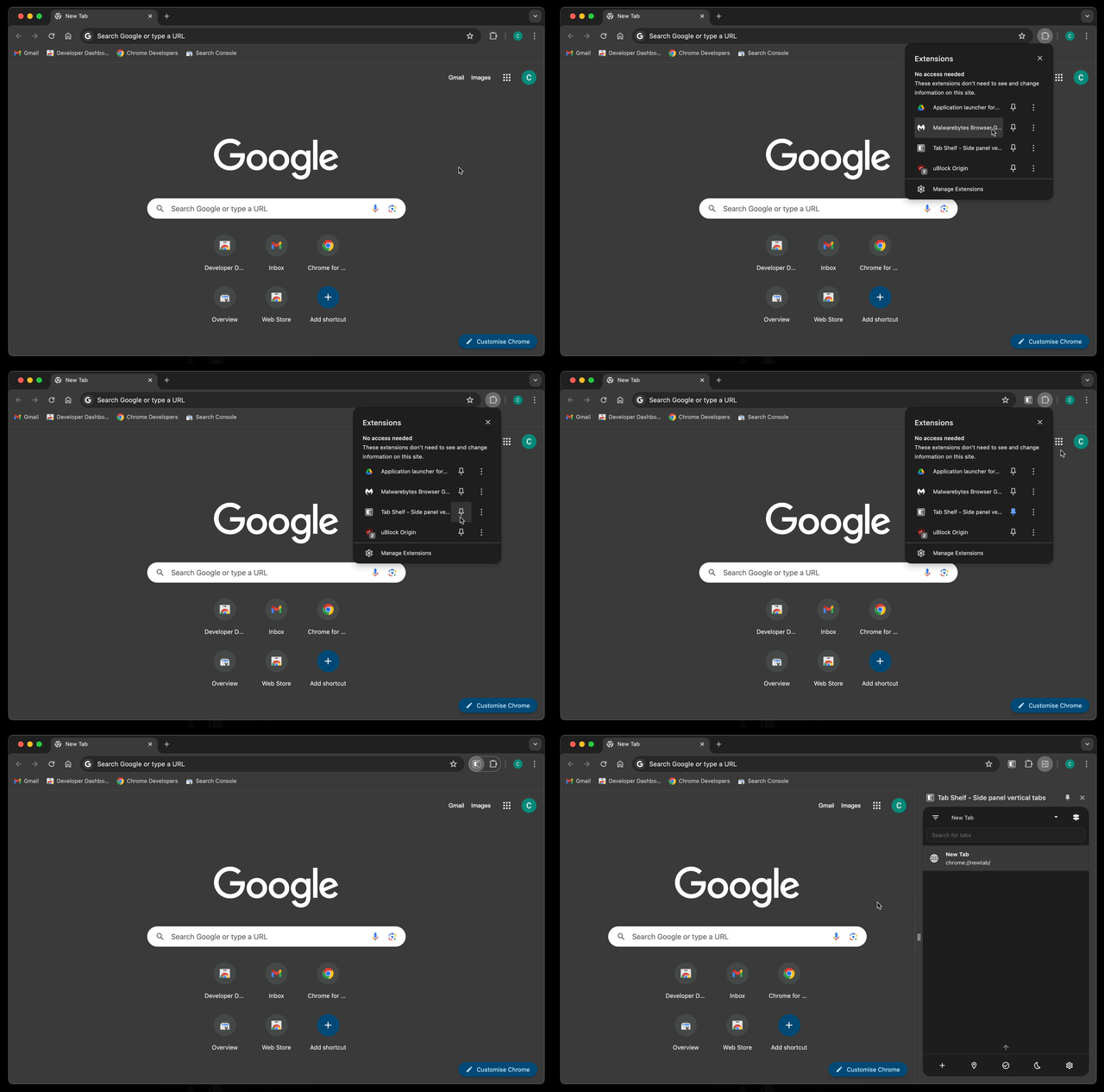
- You can pin the Tab Shelf icon to your browser toolbar by going to the extensions menu (usually represented by a puzzle piece icon), finding the Tab Shelf entry, and clicking on the pin icon.
- Click on the Tab Shelf icon to open or close the side panel.
Open via a keyboard shortcut
You can open Tab Shelf using a keyboard shortcut. By default, this would be Ctrl + Shift + O on Windows and Linux, or Command + Shift + O on a Mac.